
SampleMaker
Professional Packaging & Steel Rule Die Design Software
New here or not technical? Click for the simple explanation of SampleMaker.
Professional Packaging & Steel Rule Die Design Software
New here or not technical? Click for the simple explanation of SampleMaker.
SampleMaker is a powerful, precision-focused CAD application designed specifically for the die-making and packaging industry. Built for Windows with a modern OpenGL-based 3D rendering engine, SampleMaker combines intuitive 2D design tools with advanced parametric constraints and seamless integration with industry-standard file formats. In an era where many packaging CAD systems cost thousands of dollars per year, SampleMaker proves that maintaining and evolving high-end CAD is no longer out of reach—modern tools and AI-assisted development make it possible to deliver capabilities that once took years to build in a fraction of the time and cost.
Automatic horizontal, vertical, distance, and coincident constraints
Variables like "Length", "Width", "Depth" that drive your design
Change one dimension, watch your entire design update automatically
Guidelines and reference lines for precise alignment, with a Drawing Assistant that pinpoints endpoints, midpoints, on-curve points, and centerpoints as you work.
Click here to see the Standards Catalog (PDF)
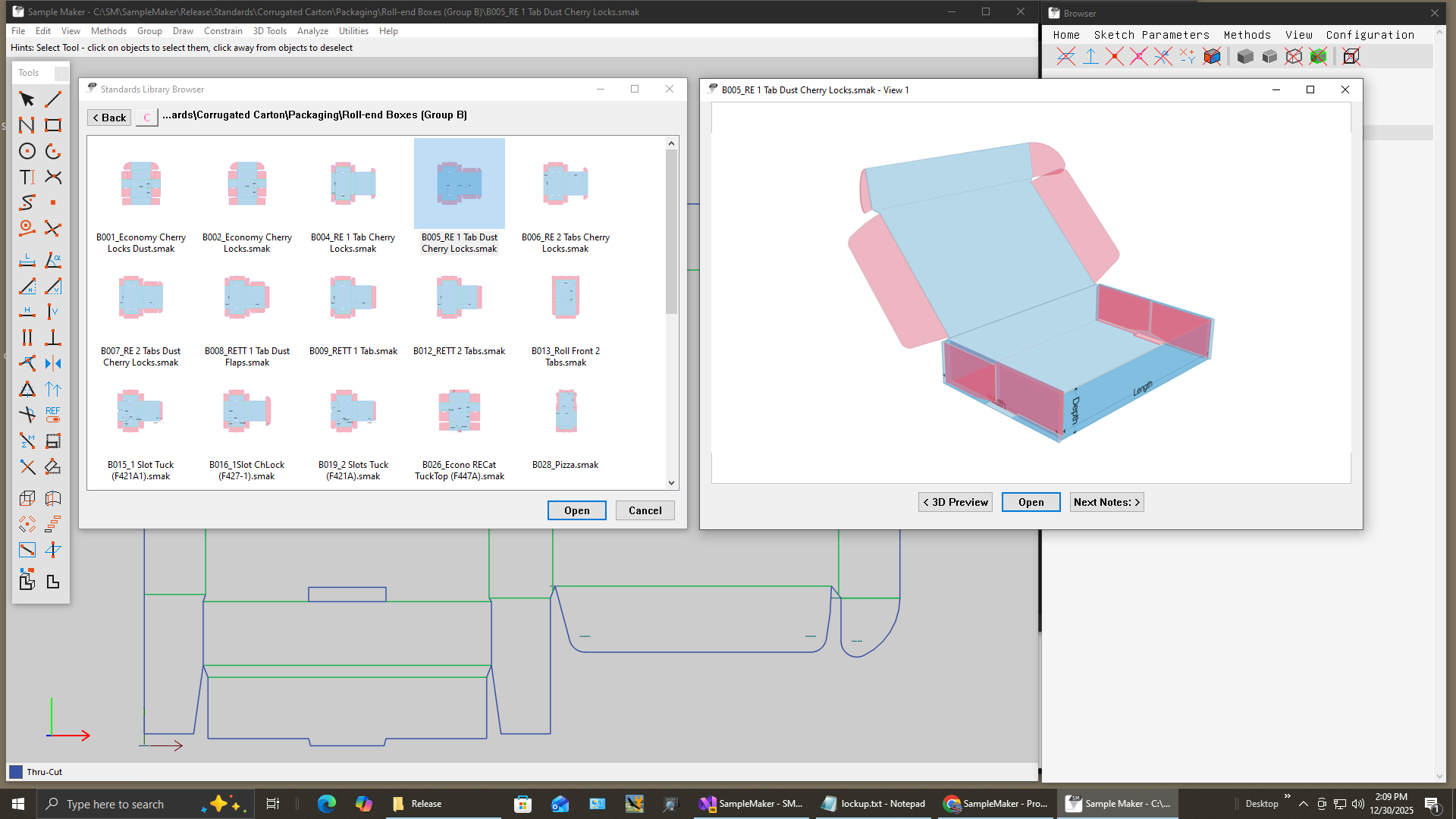
Transform your designs into reusable, parameterized templates that accelerate future projects. Built on a library used by thousands of packaging designers over the last 35 years, it delivers proven, industry-standard designs that are trusted and well established in production environments.
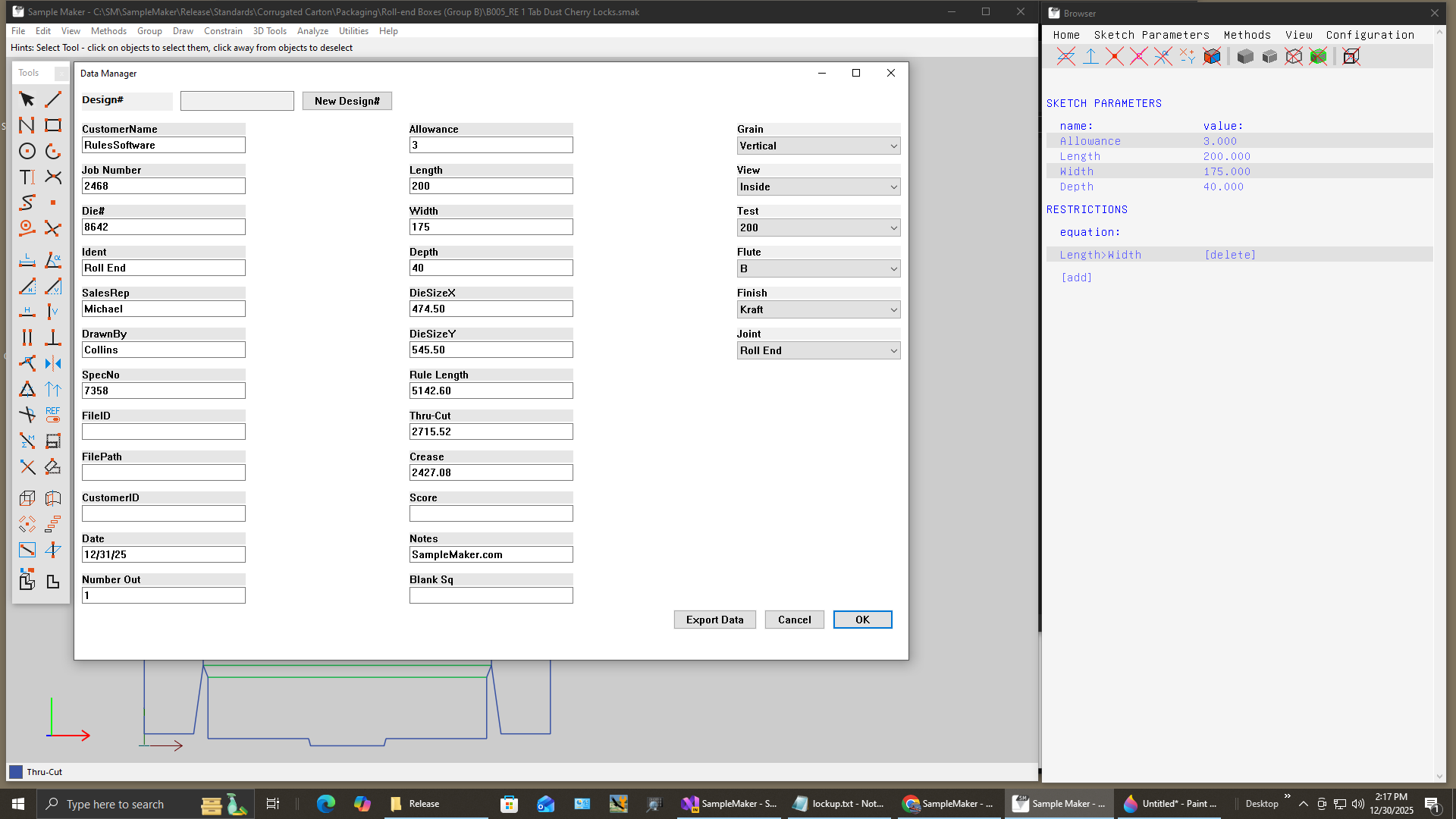
Embed rich design metadata directly into your files for complete project documentation and workflow integration. Automatically capture overall blank size and linear rule/line lengths, then store this information in Windows file properties so the built-in search features can be used like a database to instantly find designs by attributes such as customer name, design number, or board grade.
Unlimited key-value pairs for design metadata
Die size and rule lengths computed in real-time
Metadata written to Windows file properties
Data fields appear in filenames and reports, and can also be exported to a tab-delimited standard data file for import into any common database system.
Import an existing 2D die-line and convert it into a fully parametric box design in a single operation. The Auto Constrain system performs geometric analysis, adds constraints, and creates named variables automatically so the design can be driven by Length, Width, Depth, and other key dimensions.
This delivers a one-click parametric workflow: draw or import geometry, run Auto Constrain, and immediately drive the design with professional-grade constraints and variables. It is ideal for both human-created and AI-generated die-lines that need to become intelligent, editable box designs.
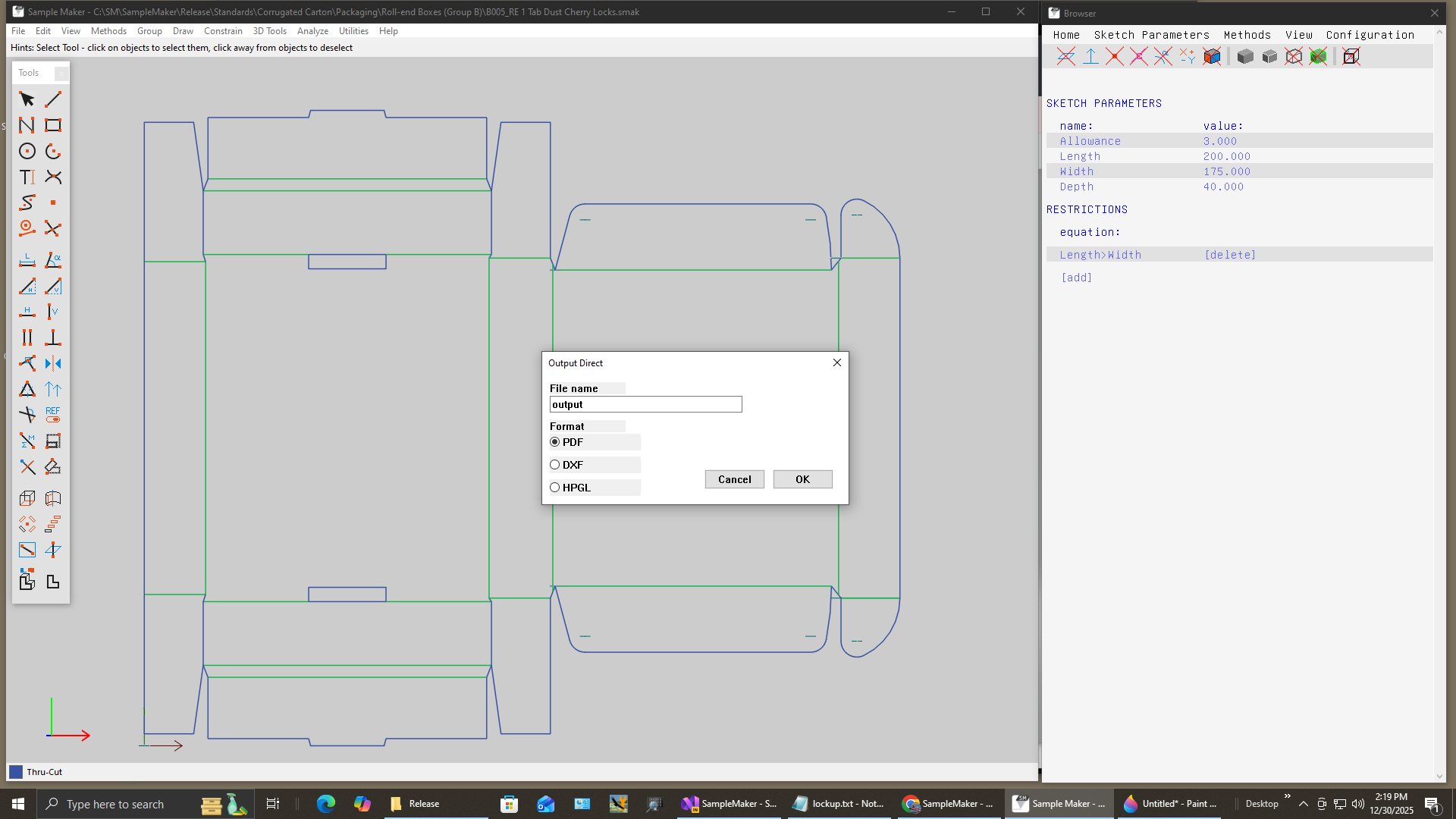
Bypass manual export dialogs with preconfigured output settings that deliver production-ready files instantly.
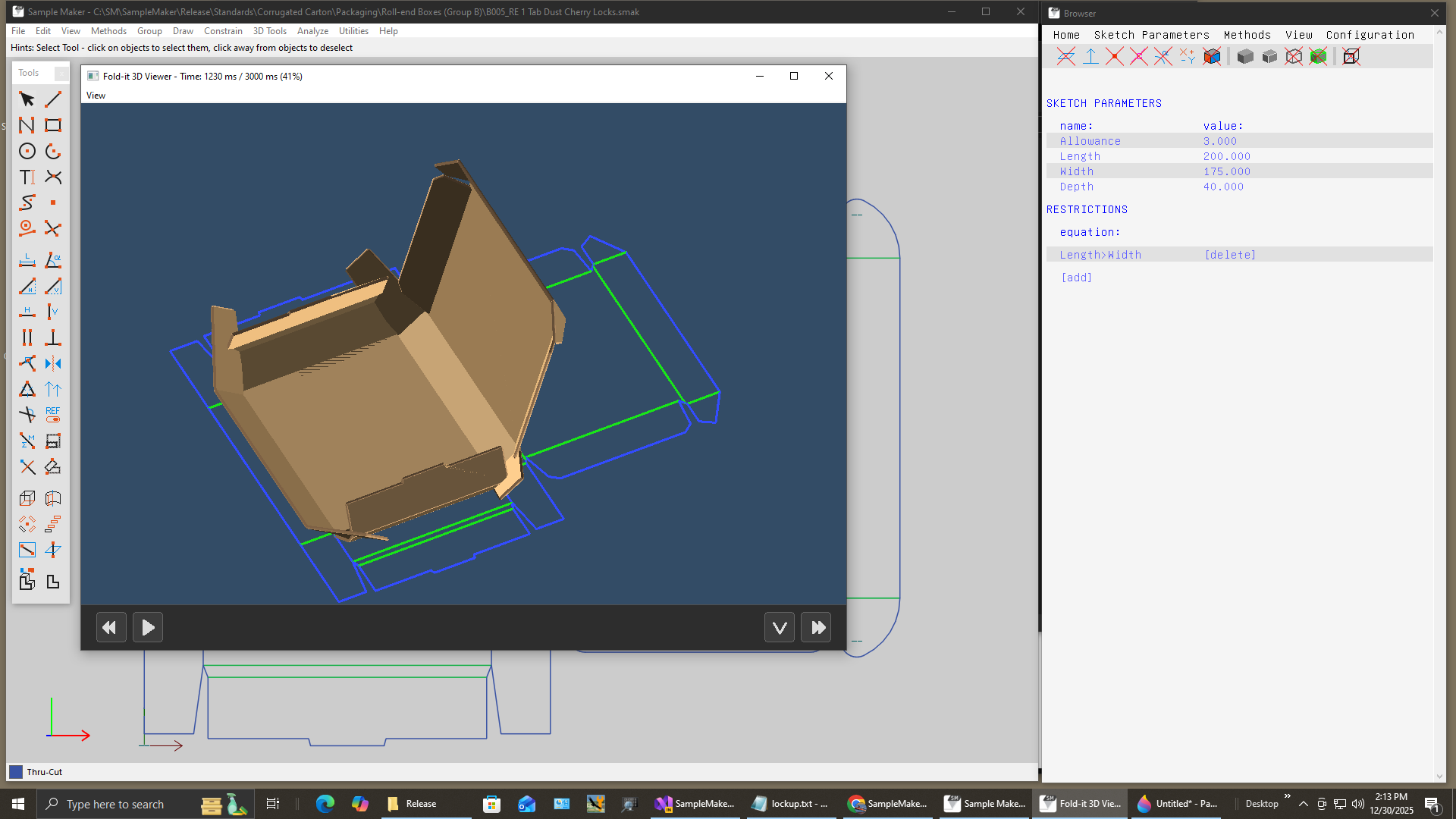
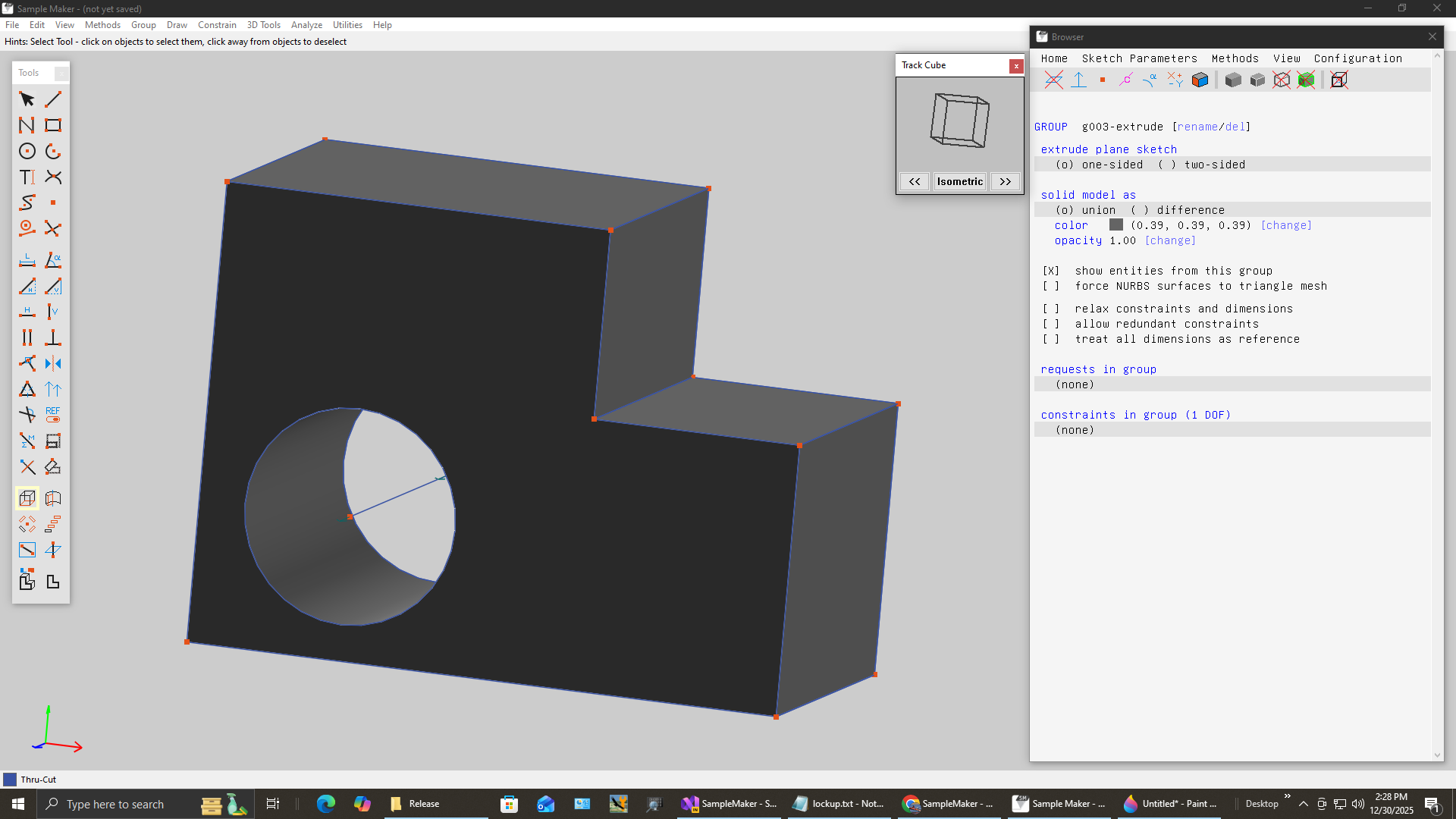
See your flat die-line transform into a finished 3D package with realistic folding animation.
Identifies Thru-Cut and Crease lines from imported geometry
OpenGL rendering with lighting and shading
Watch panels fold into position
STL, OBJ mesh formats for rendering
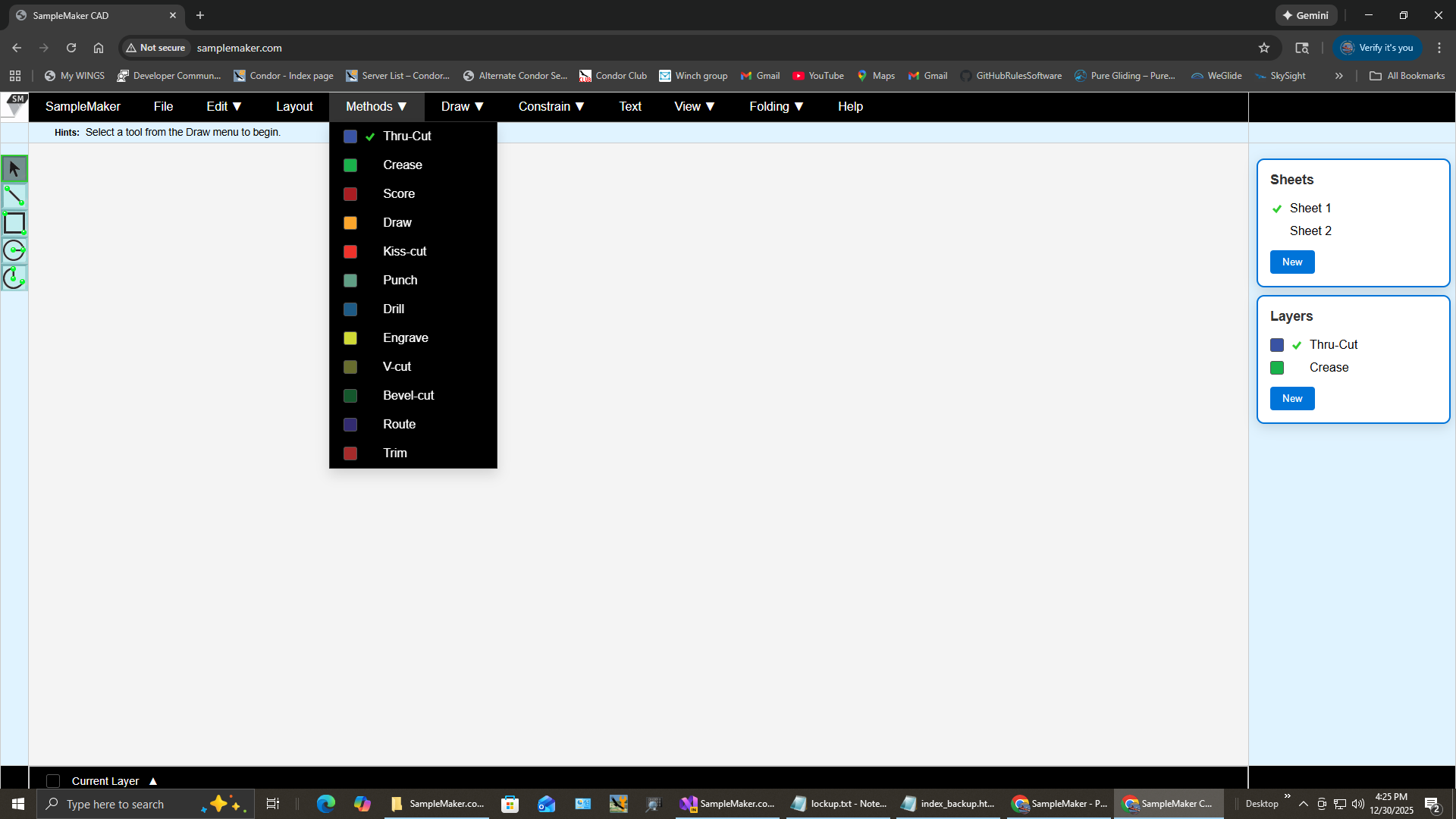
SampleMaker is evolving into a browser-based, online version designed for modern, distributed packaging teams. The goal is to bring the same precision die-making tools to any device with a web browser, with real-time collaboration and zero-install deployment.
For an early look at the direction of SampleMaker Online, visit the preview page:
Open files from virtually any CAD or die-making system with intelligent format detection and automatic constraint generation.
| Format | Description | Features |
|---|---|---|
| DXF/DWG | AutoCAD files (R2007+) | Lines, arcs, circles, polylines, layers, blocks |
| DDES2 | Die Design Export | Text-based, LINE/ARC commands, 30+ years legacy |
| CFF2 | Corrugated Format | CSV export format with production metadata |
| STL | 3D triangle mesh | ASCII/Binary, wireframe conversion |
| SMC | SampleMaker Classic | 35-year-old format, full backward compatibility |
Traditional packaging CAD often costs hundreds of dollars per month. SampleMaker is a production-grade structural packaging system, priced to reflect new AI technology and the lower cost to maintain it.
This pricing reflects that SampleMaker is created and maintained using modern AI-assisted development rather than large teams of expensive programmers—a very different model from traditional CAD.
Have questions or need support? Contact our friendly team!
We keep your demo request data private and only use it to follow up with you.
This short video demonstrates how complex a parametric design can be and how a corrugated floor display with multiple cell configurations can be modified in just minutes using SampleMaker's parametric tools.
See how SampleMaker stacks up against ArtiosCAD, Impact, and EngView in terms of parametrics, standards, 3D, and pricing.